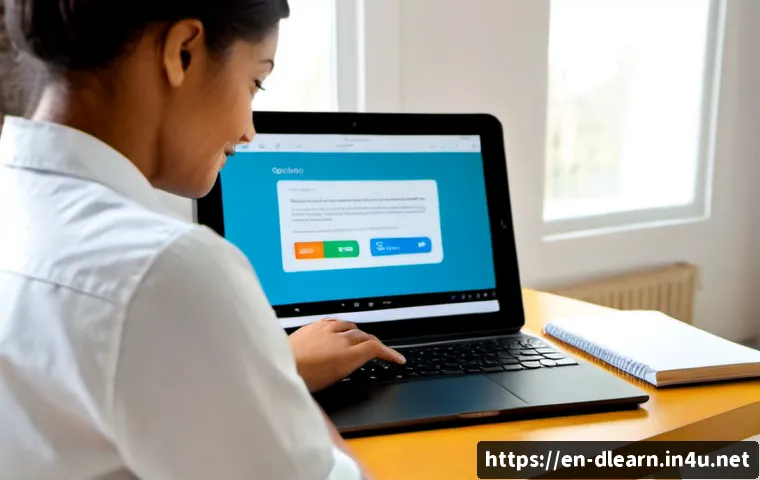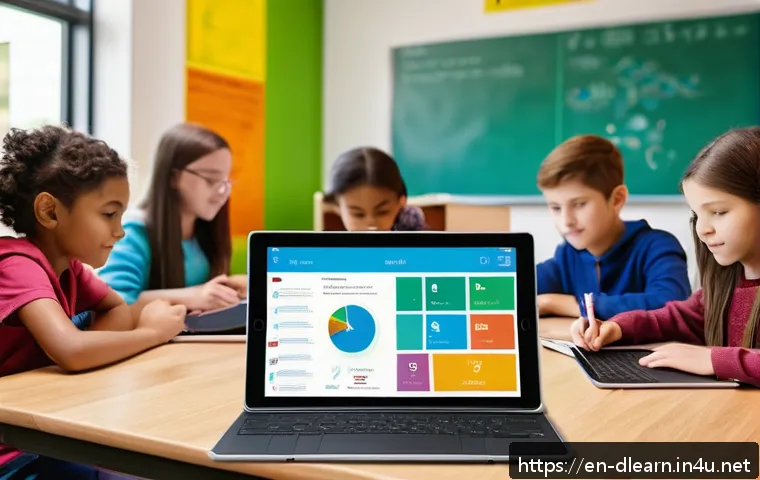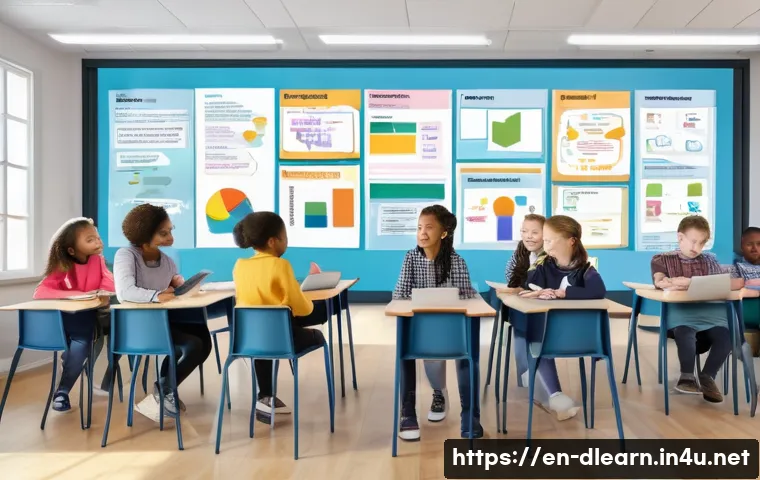
In today’s fast-evolving digital landscape, the way we learn is transforming more rapidly than ever before. With remote education and online courses becoming the norm, the focus has shifted towards creating smooth, intuitive user experiences that truly engage learners.
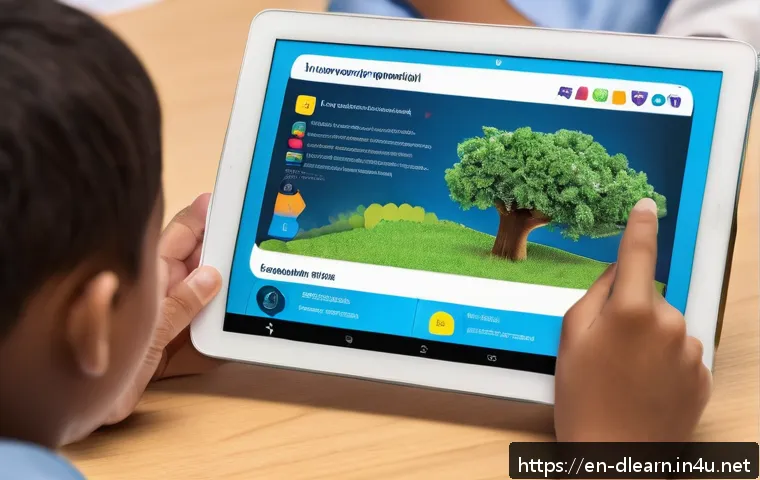
As technology integrates deeper into classrooms and homes, understanding how user experience shapes digital learning is crucial for unlocking its full potential.
Whether you’re an educator, student, or tech enthusiast, exploring this connection reveals exciting possibilities for the future of education. Let’s dive into how seamless design is revolutionizing the way knowledge is shared and absorbed.
Crafting Engaging Interfaces for Lifelong Learners
Understanding Learner Motivations and Behaviors
When designing digital learning platforms, it’s essential to dive deep into what drives learners to engage with content consistently. From my experience, motivation isn’t just about fancy features or flashy graphics; it’s about meeting learners where they are emotionally and cognitively.
For instance, adult learners often juggle multiple responsibilities, so platforms that respect their time by offering bite-sized lessons and clear progress indicators tend to resonate better.
Meanwhile, younger learners might crave interactive elements like gamification or social sharing to feel connected. Recognizing these differences helps tailor experiences that don’t just inform but truly inspire ongoing participation.
Intuitive Navigation that Feels Natural
Nothing kills momentum faster than a confusing interface. I’ve seen countless platforms where users get stuck hunting for resources or can’t figure out how to track their progress.
The best digital learning experiences guide users effortlessly, almost like a conversation with a helpful tutor. Clear menus, consistent layouts, and minimal clicks to reach essential content create a flow that keeps learners immersed.
When I tested platforms with streamlined navigation, I noticed a marked increase in session length and return visits, which directly impacts learning outcomes and platform success.
Personalized Experiences Through Adaptive Design
One of the most exciting trends I’ve encountered is adaptive learning technology that personalizes content based on individual performance and preferences.
Instead of a one-size-fits-all approach, these systems analyze how users interact with material and dynamically adjust difficulty or suggest topics to review.
This method not only prevents frustration from content being too hard or boring but also builds confidence as learners see tangible progress. In my own trials, adaptive features made the learning journey feel more like a tailored coaching session than a static course.
Seamless Integration of Multimedia for Enhanced Comprehension
Leveraging Video and Interactive Simulations
Videos have become a staple in digital education because they combine auditory and visual cues that aid retention. But beyond just embedding videos, the magic lies in interactive elements—think clickable hotspots, quizzes within videos, or branching scenarios that allow learners to explore concepts actively.
From my perspective, these tools transform passive watching into active problem-solving, which is crucial for deep learning. I’ve noticed that when learners engage with simulations, they often report feeling more prepared to apply knowledge in real-world contexts.
Balancing Text with Visuals for Accessibility
Too much text can overwhelm, while too many visuals without context can confuse. Striking the right balance is an art I’ve grown to appreciate. Effective digital platforms use concise, well-structured text complemented by diagrams, infographics, and icons that clarify rather than decorate.
This approach supports diverse learning styles and makes content more accessible for users with different needs. For example, including alt-text for images and transcripts for videos ensures inclusivity, a factor I consider non-negotiable in quality education design.
Utilizing Audio for Multisensory Engagement
Audio elements like narration, podcasts, and sound effects enrich the learning environment by engaging the auditory channel. When I experimented with courses that incorporated clear and expressive narration, learners seemed to grasp complex ideas more easily and felt less fatigued.
Additionally, audio supports multitasking, allowing learners to absorb information while commuting or doing chores. This flexibility can significantly boost overall engagement and retention rates.
Empowering Learners with Real-Time Feedback and Support
Instant Feedback Mechanisms
Immediate feedback is a game-changer in digital learning. When learners submit answers or complete tasks, getting prompt, constructive responses helps reinforce concepts and correct misunderstandings before they take root.
In platforms I’ve tested, features like automated quizzes with detailed explanations not only increased learner confidence but also encouraged repeated practice.
This cycle of trial and improvement feels much more motivating than waiting days for an instructor’s response.
Accessible Support Channels
Even the most intuitive platforms can’t replace human support entirely. That’s why integrating multiple support options—live chat, discussion forums, and AI-powered assistants—can make a huge difference.
I’ve personally appreciated platforms where I could quickly reach out for clarification or troubleshoot technical issues without hassle. Such accessibility reduces frustration and keeps learners focused on growth rather than grappling with obstacles.
Tracking Progress to Foster Accountability
Visible progress trackers and achievement badges tap into our natural desire for accomplishment. When learners see their journey mapped out, with milestones and rewards along the way, it creates a sense of accountability and pride.
I’ve noticed that learners are more likely to stick with courses when they can easily visualize how far they’ve come and what remains. This transparency also helps educators identify where learners might need extra support.
Creating Inclusive and Accessible Learning Environments
Designing for Diverse Abilities and Backgrounds
Inclusion is more than a buzzword; it’s an imperative. Designing digital learning tools that accommodate various disabilities and cultural backgrounds ensures no one is left behind.
I’ve seen platforms that incorporate adjustable font sizes, color contrast options, and language preferences make a huge difference for users with visual impairments or non-native speakers.
These thoughtful adaptations signal respect for all learners and foster a welcoming atmosphere.
Implementing Universal Design Principles
Universal Design for Learning (UDL) encourages offering multiple means of representation, expression, and engagement. From my observation, platforms that embrace UDL provide learners with options—whether it’s choosing between reading text, watching videos, or listening to audio.
This flexibility accommodates different learning styles and life situations, making education more equitable and effective. UDL also promotes creativity in how learners demonstrate understanding, which can be liberating and motivating.
Continuous User Testing and Iteration
Accessibility is not a checkbox but a continuous process. The best platforms actively seek feedback from diverse user groups and iterate accordingly. I’ve been part of testing sessions where real learners with varying needs provided invaluable insights that led to meaningful improvements.
This ongoing dialogue between developers and users creates a living product that evolves alongside its community, ensuring it remains inclusive and relevant.
Harnessing Data Analytics to Refine Learning Journeys
Tracking Engagement Patterns
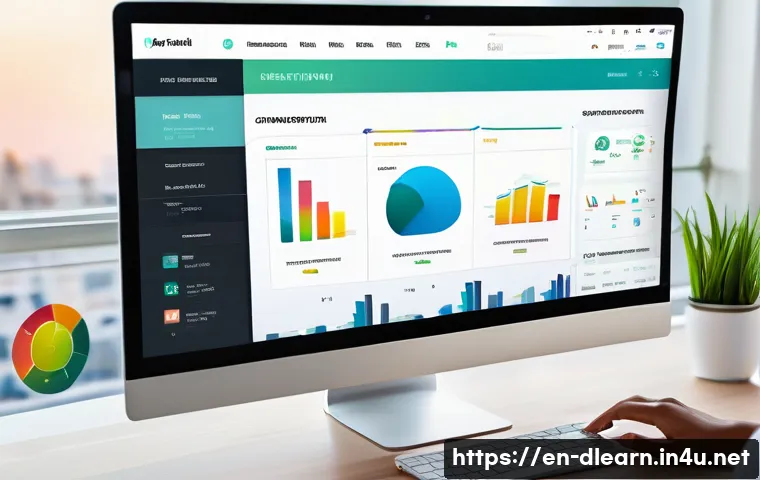
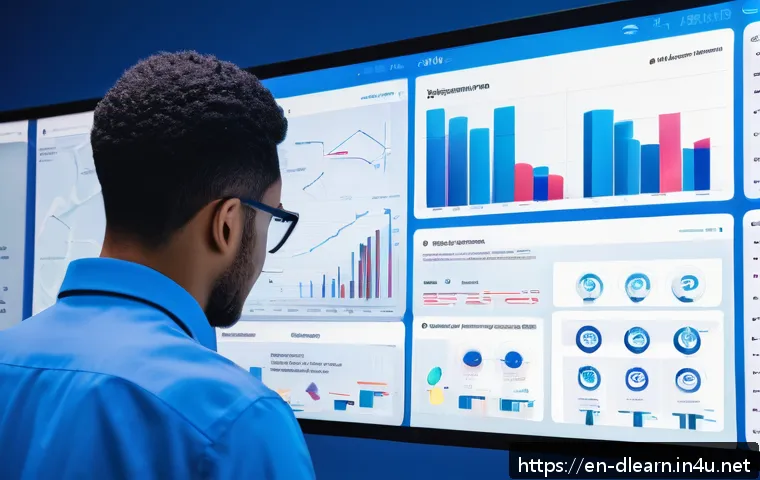
Data analytics offer a window into learner behaviors that might otherwise go unnoticed. By examining which modules users spend the most time on, where they drop off, or what resources they revisit, educators and developers can pinpoint strengths and weaknesses in their offerings.
I’ve found that such insights allow for targeted interventions—be it redesigning a confusing lesson or adding supplementary materials—that make the entire experience more efficient and impactful.
Personalizing Recommendations Based on Data
Beyond aggregate trends, analytics can power personalized recommendations that guide learners toward content aligned with their interests and needs. In platforms I’ve explored, recommendation engines suggest next steps based on performance history, keeping learners challenged without overwhelming them.
This “smart” guidance fosters a sense of tailored mentorship, which can be incredibly motivating and help maintain momentum.
Ensuring Ethical Use of Learner Data
While data is powerful, it comes with responsibility. Transparent policies about data collection, storage, and usage build trust with learners. From what I’ve encountered, platforms that clearly communicate how data is used and offer opt-out options tend to foster stronger user loyalty.
Ethical data practices not only protect privacy but also reinforce the platform’s credibility and commitment to learner wellbeing.
Measuring Success Beyond Test Scores
Evaluating Engagement and Satisfaction
Traditional assessments capture only part of the learning picture. Engagement metrics—like time spent on tasks, interaction rates, and user feedback—offer a richer understanding of how learners experience content.
In my experience, platforms that incorporate surveys and sentiment analysis alongside performance data provide a fuller view of effectiveness, helping educators refine their approach to meet learner needs better.
Tracking Skill Application and Real-World Impact
Ultimately, the goal of digital learning is real-world application. Platforms that enable learners to demonstrate skills through projects, portfolios, or peer reviews offer meaningful evidence of growth.
I’ve seen learners gain confidence and motivation when their progress translates into tangible achievements, such as certifications or job readiness, which reinforces the value of the learning journey.
Incorporating Continuous Improvement Loops
Success measurement is not a one-time event but an ongoing cycle. The most effective platforms regularly analyze outcomes, gather user feedback, and update content and features accordingly.
Being part of communities that embrace this iterative mindset has shown me how agility and responsiveness drive sustained learner satisfaction and success.
| Key UX Elements | Benefits | Examples |
|---|---|---|
| Adaptive Learning | Personalized content improves engagement and retention | Dynamic difficulty adjustment, tailored quizzes |
| Multimedia Integration | Supports diverse learning styles and deeper comprehension | Videos with interactive quizzes, simulations |
| Real-Time Feedback | Reinforces concepts and motivates continued effort | Instant quiz results, automated hints |
| Accessibility Features | Ensures inclusivity and equal opportunity | Alt-text, adjustable fonts, language options |
| Data Analytics | Informs continuous improvement and personalization | Engagement tracking, recommendation engines |
Closing Thoughts
Creating engaging learning interfaces requires a deep understanding of diverse learner needs and thoughtful design choices. By combining personalization, accessibility, and real-time feedback, digital platforms can foster motivation and sustained participation. The evolving landscape of educational technology offers exciting opportunities to make lifelong learning more effective and enjoyable for everyone.
Helpful Tips to Keep in Mind
1. Prioritize clear and intuitive navigation to reduce user frustration and boost engagement.
2. Use adaptive learning technologies to tailor content and keep learners challenged but confident.
3. Balance multimedia elements like videos, audio, and visuals to support different learning styles and accessibility.
4. Incorporate instant feedback and accessible support options to encourage continuous improvement and learner confidence.
5. Leverage data analytics responsibly to personalize learning journeys and refine platform offerings over time.
Key Takeaways
Effective digital learning environments hinge on personalization, inclusivity, and responsiveness. By integrating adaptive design, multimedia, and real-time support, platforms not only enhance comprehension but also foster learner motivation and accountability. Ethical use of data and continuous iteration ensure these experiences remain relevant and trustworthy, ultimately supporting meaningful skill development beyond traditional assessments.
Frequently Asked Questions (FAQ) 📖
Q: uestions about User Experience in Digital LearningQ1: How does user experience (UX) impact the effectiveness of online education?
A: User experience plays a pivotal role in online education by making learning platforms more intuitive and engaging. When learners find a platform easy to navigate, with clear instructions and interactive elements, they’re more likely to stay focused and motivated.
From my own experience using various online courses, platforms that prioritize UX reduce frustration and help me absorb information faster, ultimately improving retention and satisfaction.
Good UX design removes technical barriers and lets students concentrate on learning itself rather than struggling with the interface.
Q: What are some key features of a seamless digital learning experience?
A: A seamless digital learning experience typically includes fast-loading content, mobile-friendly interfaces, personalized learning paths, and interactive multimedia elements like quizzes or videos.
Accessibility also matters—features like screen reader compatibility and adjustable font sizes ensure everyone can participate fully. From what I’ve observed, platforms that blend these features create a natural flow that mimics in-person learning, making it easier for students to stay engaged and complete courses without feeling overwhelmed or distracted.
Q: How can educators leverage UX principles to improve their online courses?
A: Educators can enhance their online courses by focusing on clarity, simplicity, and learner-centered design. This means structuring content logically, minimizing clutter, and providing clear guidance on how to progress.
Incorporating feedback mechanisms and interactive tools also fosters active participation. Based on my interactions with various educational tools, instructors who apply UX principles tend to see higher student satisfaction and completion rates because their courses feel more approachable and tailored to learners’ needs.